Nagano

All your agents. One conductor.

An app that drives your coding-agent CLIs through a local daemon: one supervised process per session, and one window for their conversations, approvals and usage. Nagano includes no model: each CLI uses the account you already have.

macOS 15 or later · Apple silicon

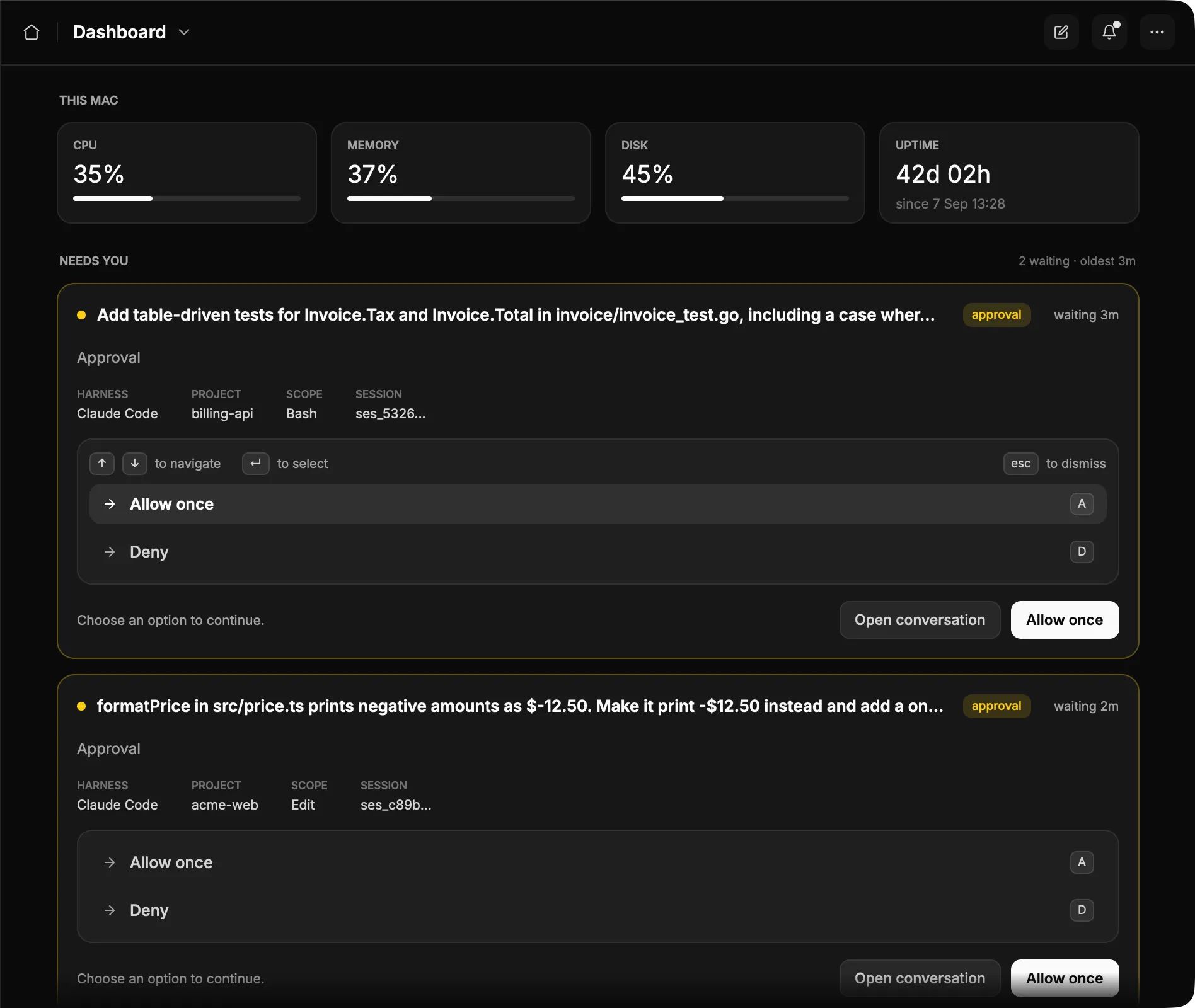
Nagano’s dashboard: CPU, memory, disk and uptime of this computer, then Needs you, with two Claude Code approvals waiting, one in billing-api and one in acme-web, each with Allow once and Deny.
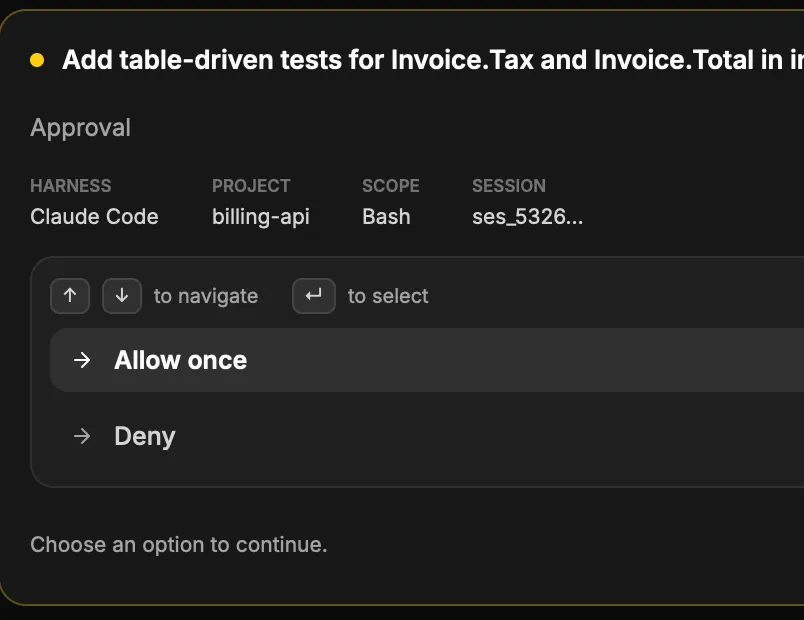
A Claude Code approval waiting in Nagano, in billing-api, with Allow once and Deny.
  • Everything waiting on you, in one place

    When a harness asks for approval, asks a question or proposes a plan, the daemon records it and the request shows up under Needs you. Deny is always the default.

  • The right agent for every task

    Choose the harness and the model, or let auto dispatch decide from your quota and the complexity of the work. Each CLI signs in on its own, with several accounts per provider, and meters track each one’s 5-hour and weekly limits. Nagano also estimates the energy your agents use, project by project.

  • Work close to your code

    A project is a folder. Git worktrees run several agents in parallel on one repo, and the side panel shows the context breakdown and the diffstat. No project? The scratchpad takes quick tasks.

See every step.
Step in when it matters.

Follow tool calls, commands and file changes as they happen, and interrupt a turn when you need to. Each approval opens in the conversation that raised it.
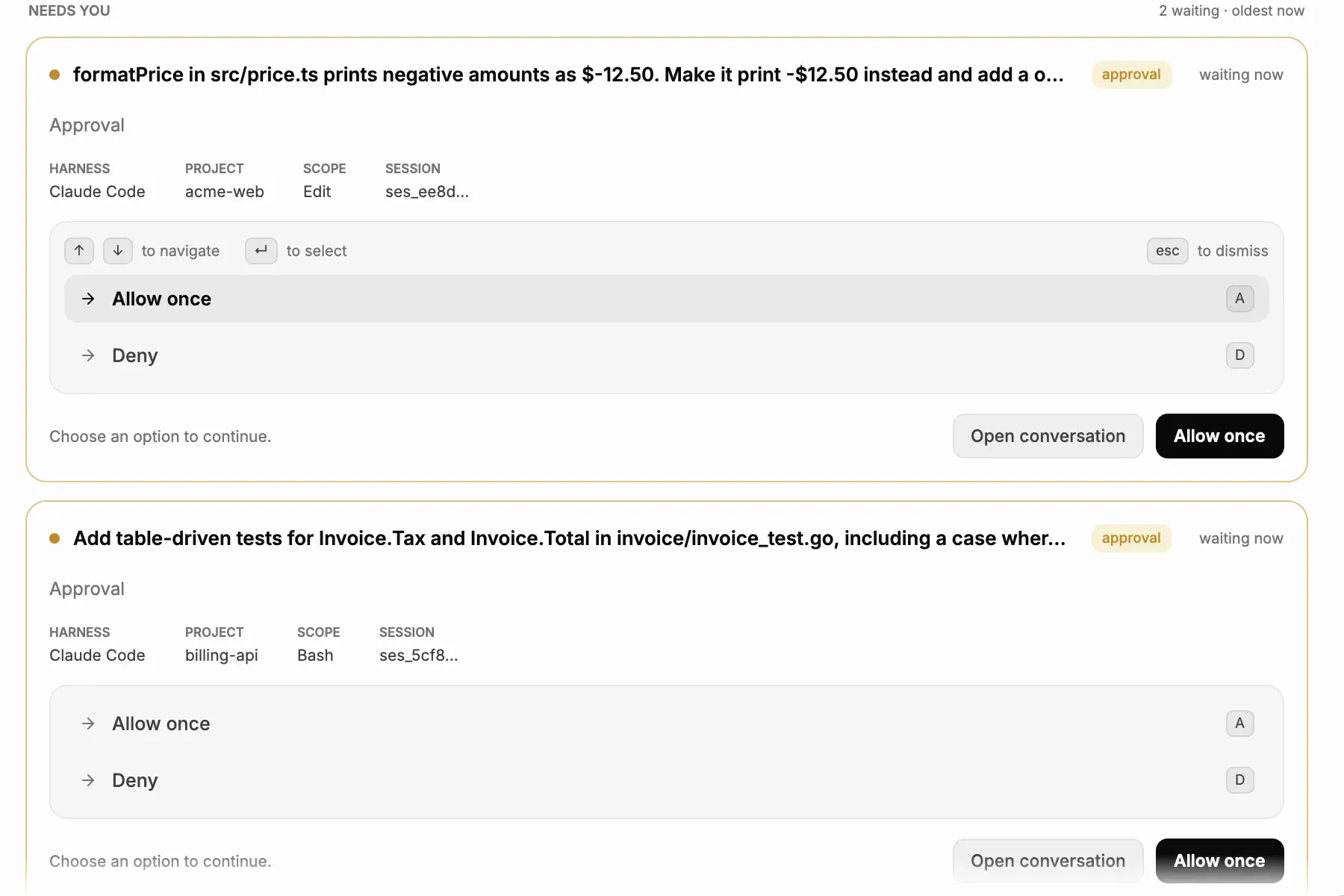
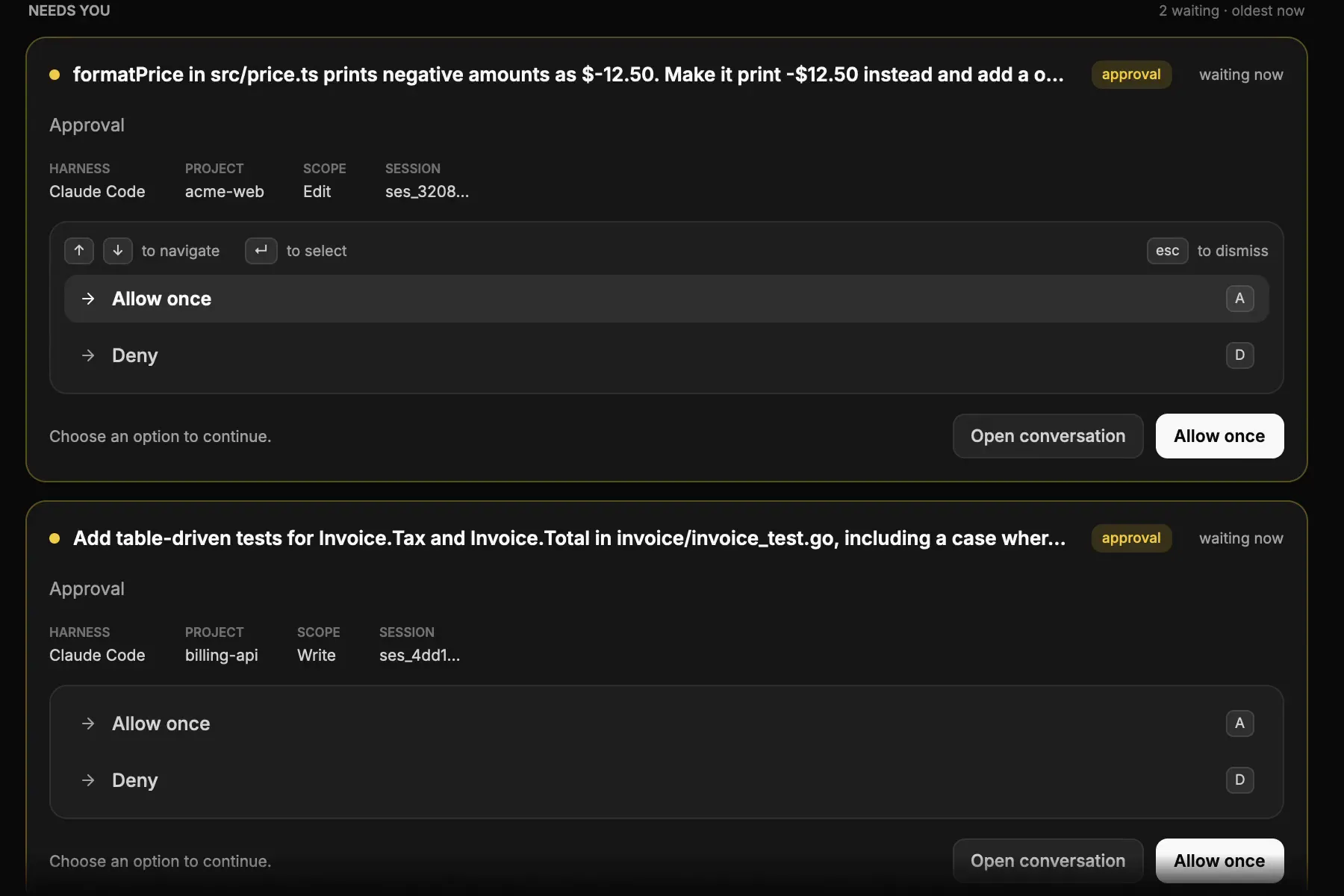
Nagano’s Needs you: one Claude Code approval is waiting, a second task starts under Working, and its approval joins the first, each with Allow once and Deny.Nagano’s Needs you: one Claude Code approval is waiting, a second task starts under Working, and its approval joins the first, each with Allow once and Deny.

One goal.
A shared plan.

Within a project, give Orchestrate a goal: it splits it into lanes across your harnesses, and you approve the plan before it starts. A reviewer checks what each lane returns.
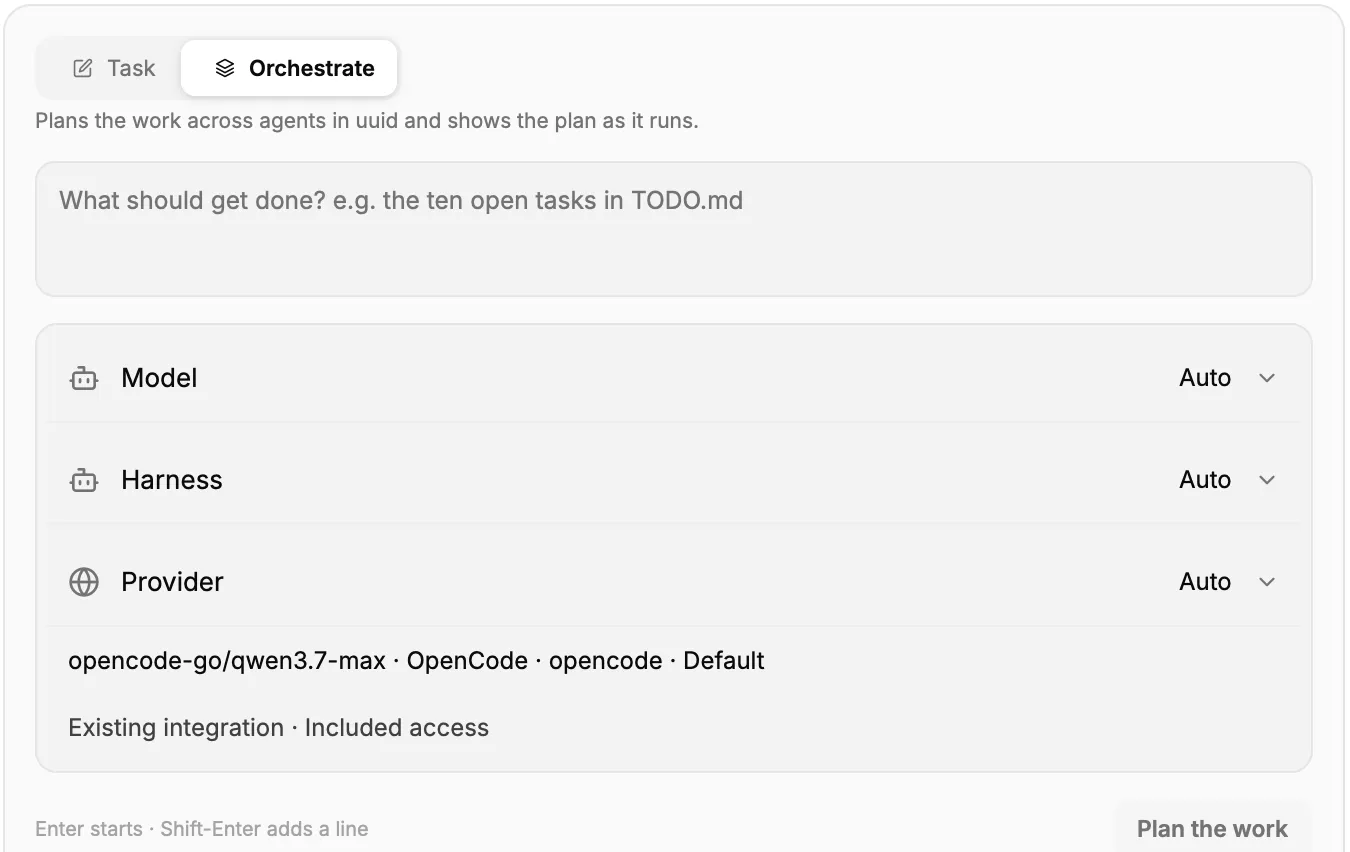
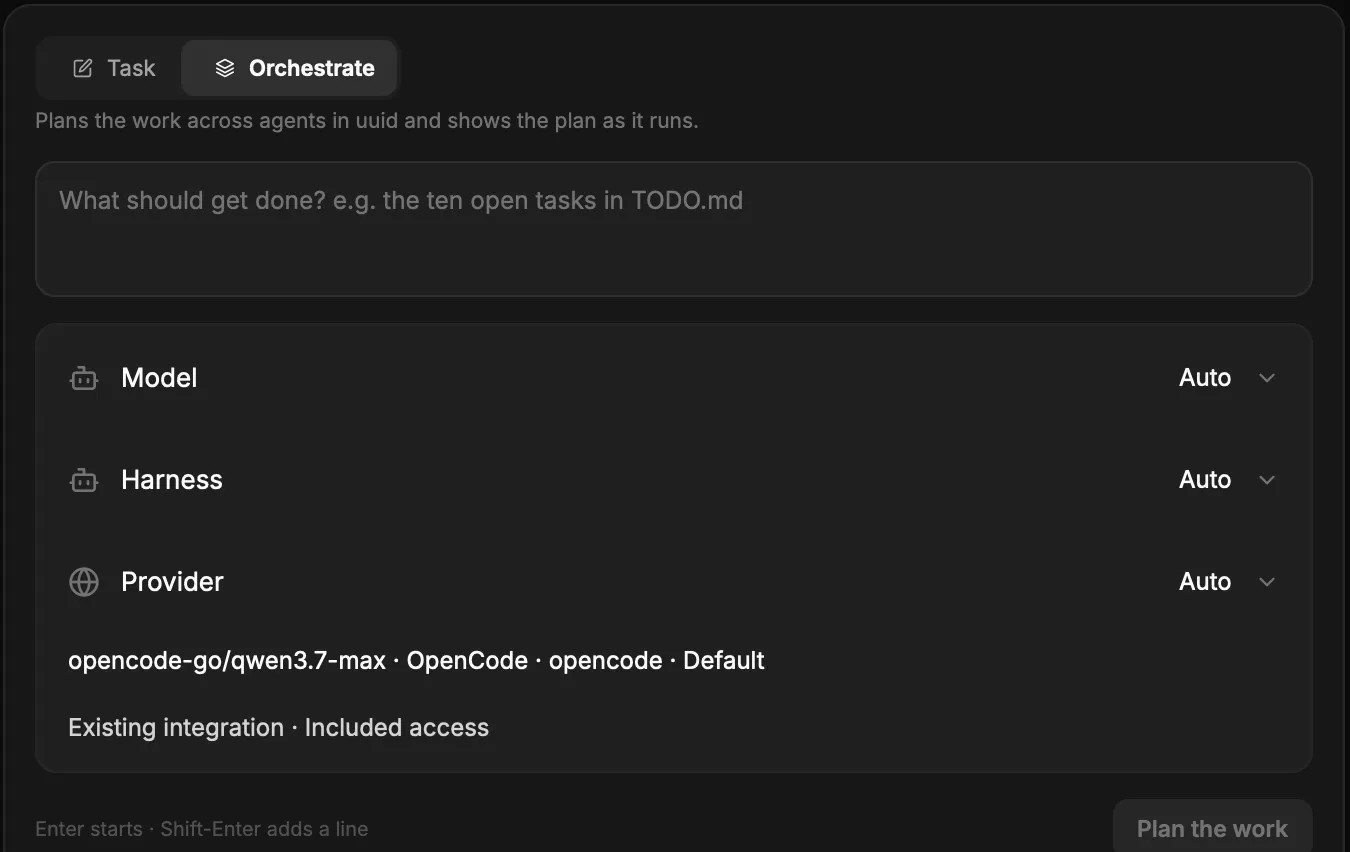
Nagano’s Orchestrate tab in a project: a brief to plan across agents, with model, harness and provider choices and a Plan the work button.Nagano’s Orchestrate tab in a project: a brief to plan across agents, with model, harness and provider choices and a Plan the work button.

Your agents follow you everywhere.

Get a notification when an agent needs you, approve or deny from your phone or tablet, and follow the work in progress. The same app also directs agents on several computers.
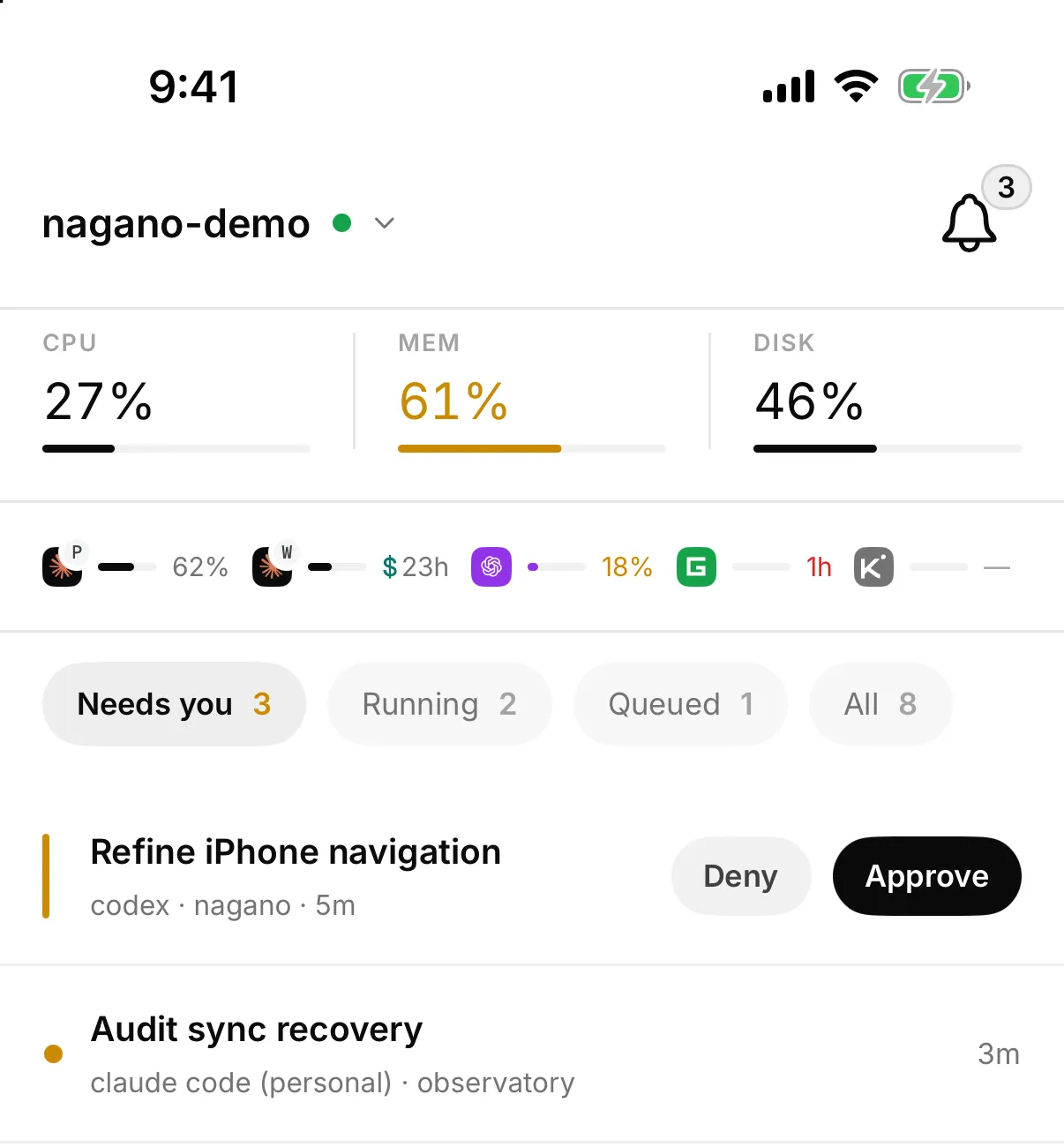
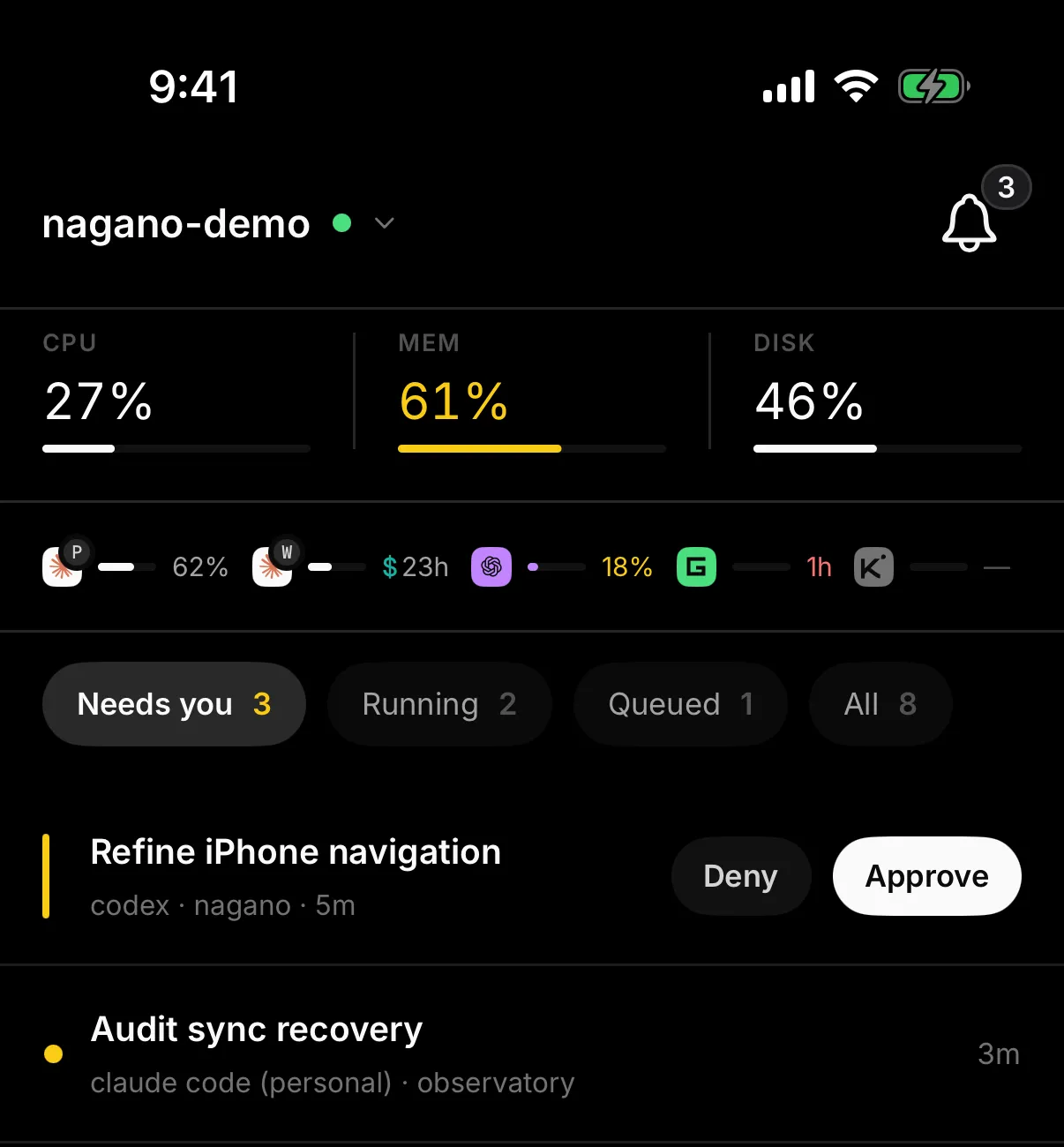
Nagano on iPhone: the dashboard with the machine’s CPU, memory and disk, usage per harness, and the Needs you tab with three requests; the first, Refine iPhone navigation, has Deny and Approve buttons.Nagano on iPhone: the dashboard with the machine’s CPU, memory and disk, usage per harness, and the Needs you tab with three requests; the first, Refine iPhone navigation, has Deny and Approve buttons.

Recurring work, off your mind.

A scheduled task belongs to the project, not to a conversation: Nagano runs its prompt at a regular interval, at a set time or when a condition changes, even if no session is open.
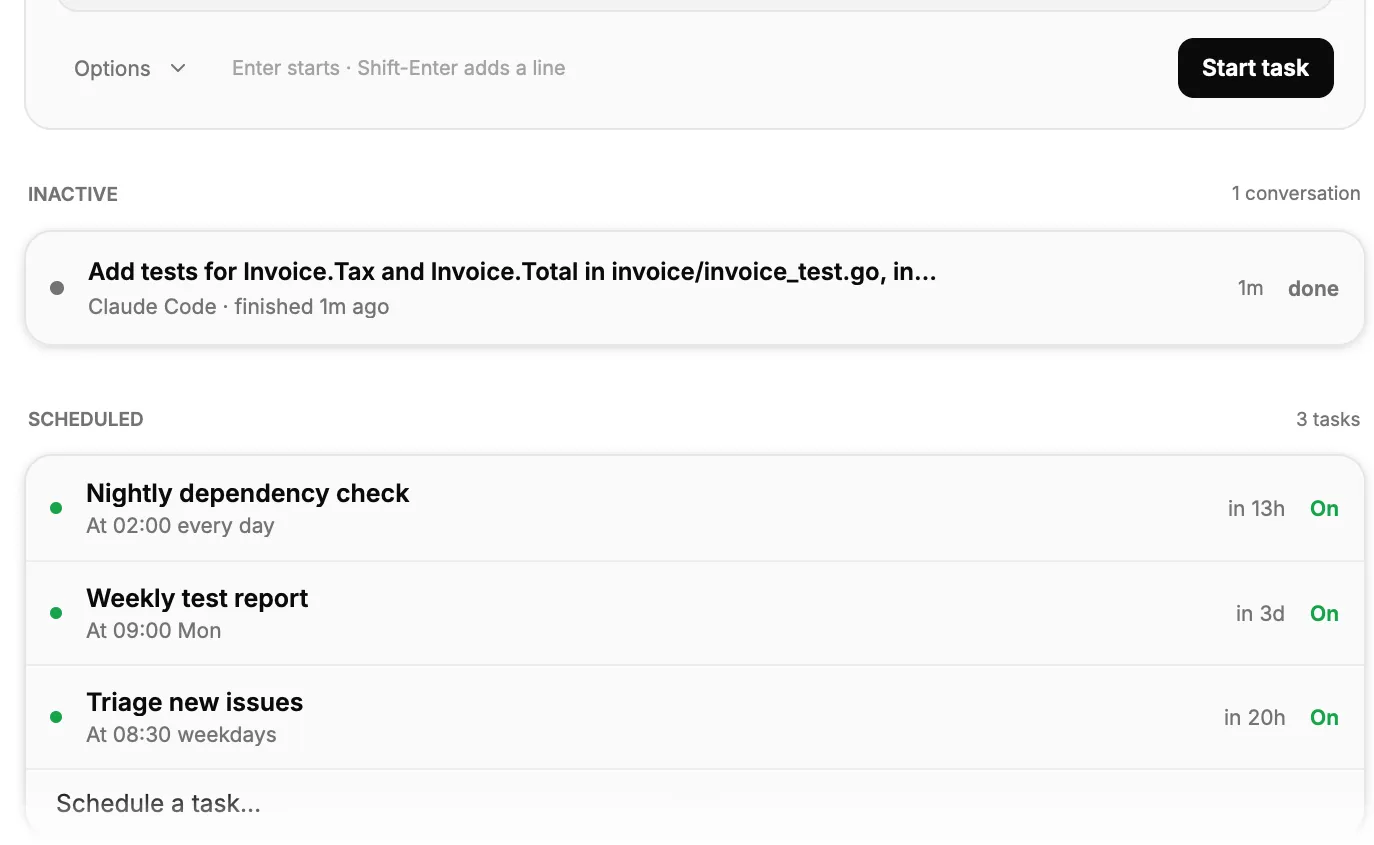
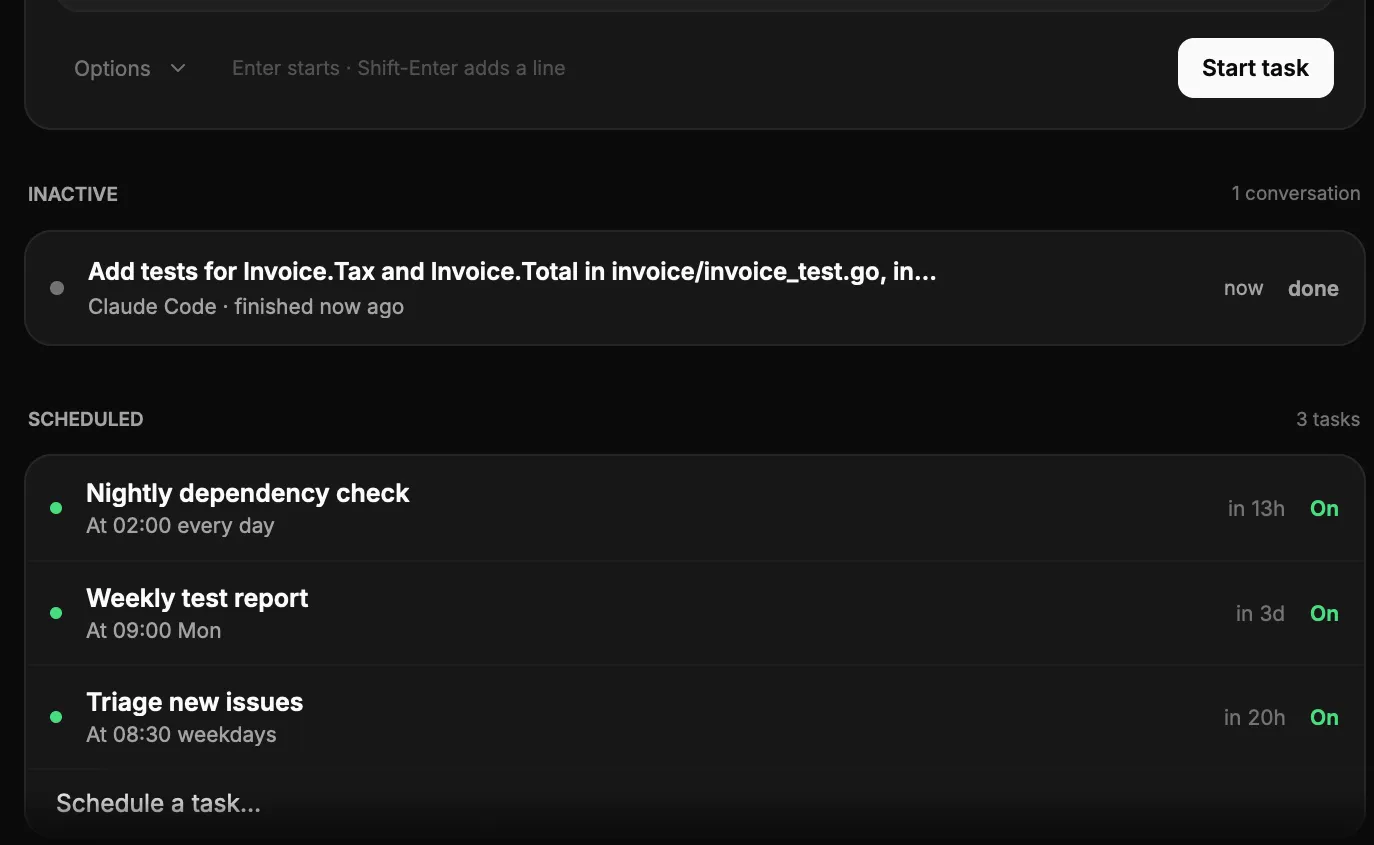
A project in Nagano: a finished Claude Code conversation, then three scheduled tasks — a nightly dependency check, a weekly test report and a weekday issue triage — each with its next run.A project in Nagano: a finished Claude Code conversation, then three scheduled tasks — a nightly dependency check, a weekly test report and a weekday issue triage — each with its next run.

Done means verified.

Declare a project’s verification command: Nagano runs it before marking a task as successful, and a failure says why.
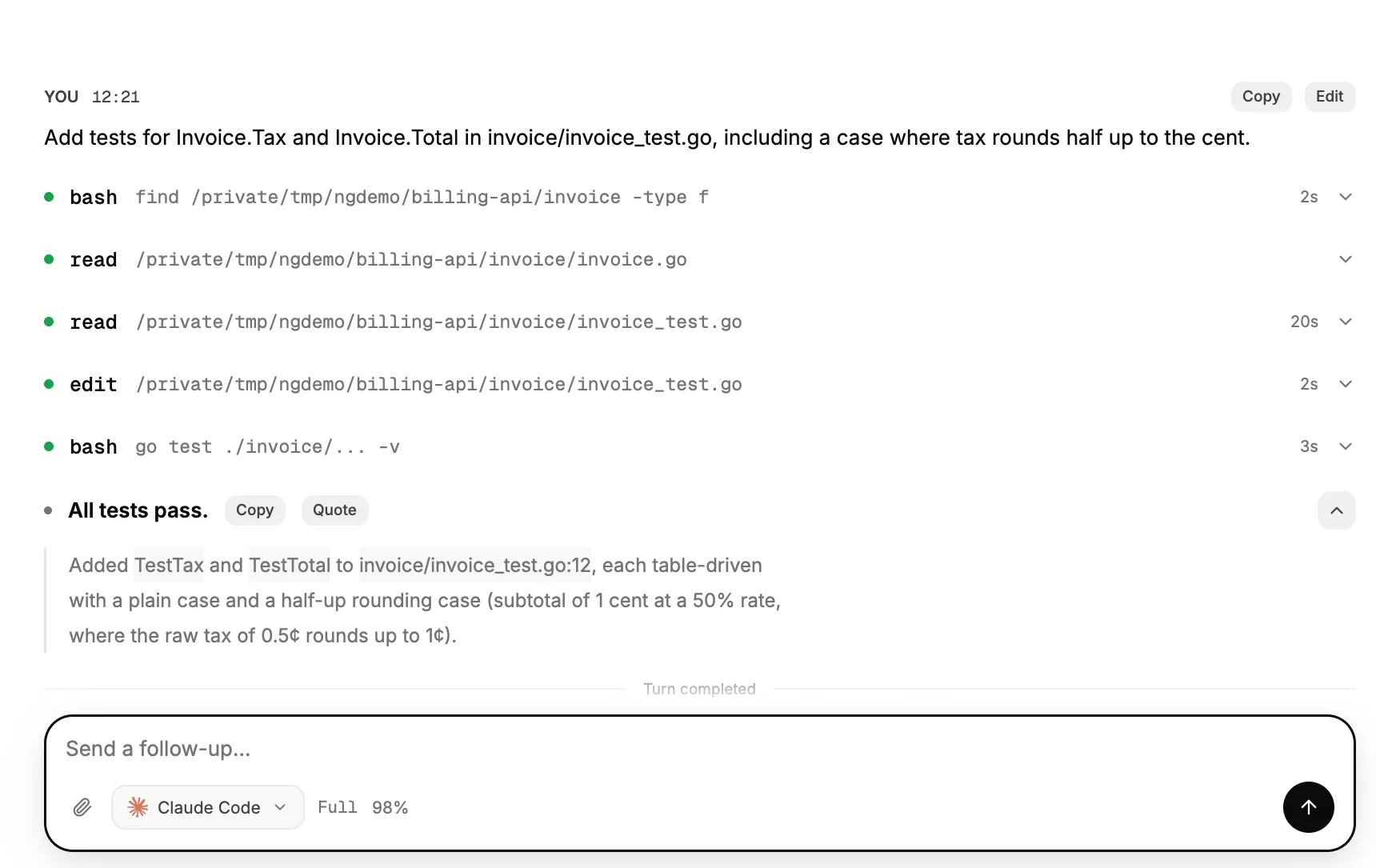
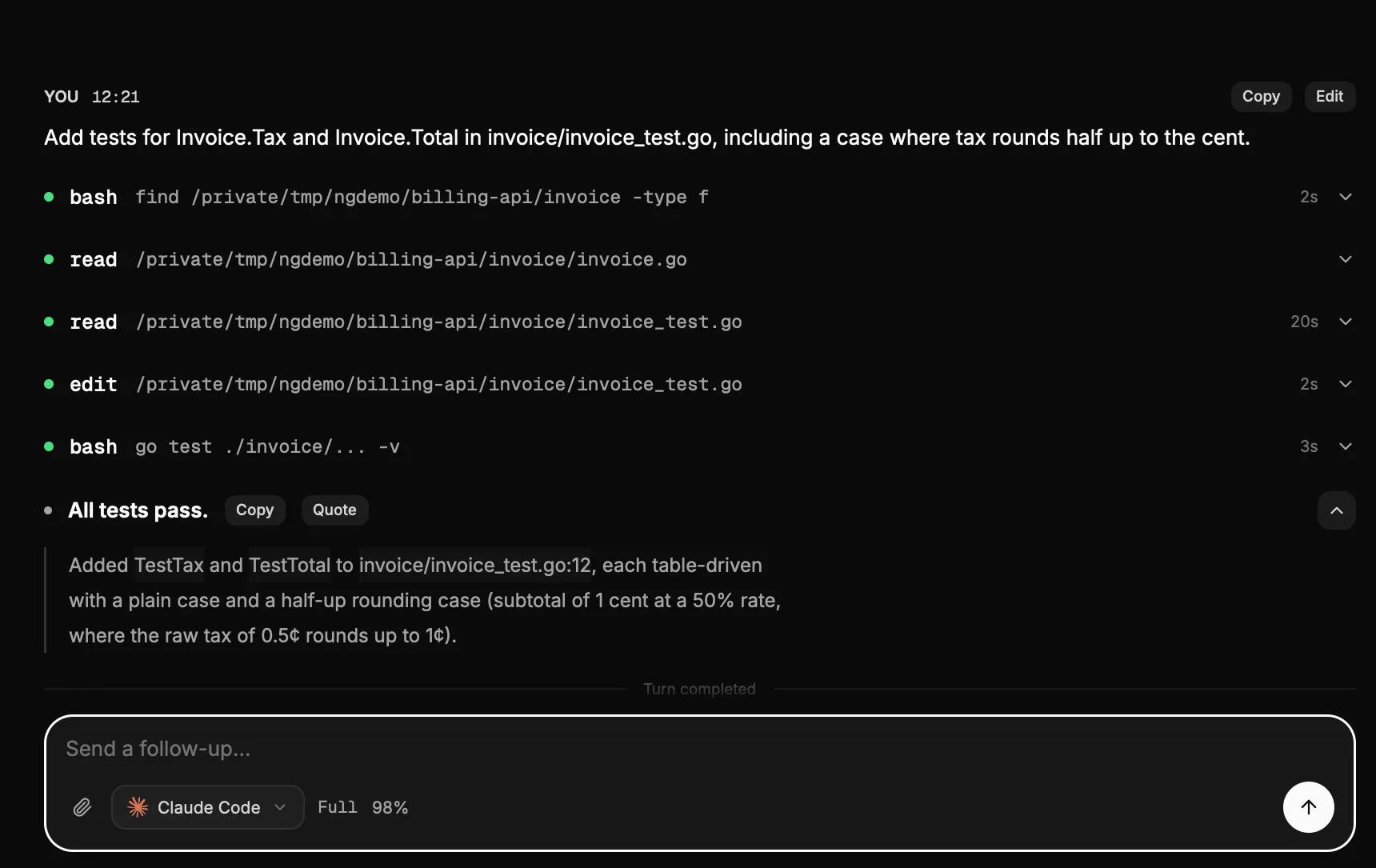
A Nagano conversation: the request to add tests, the agent’s file reads and edit, a go test run, and its answer “All tests pass.”A Nagano conversation: the request to add tests, the agent’s file reads and edit, a go test run, and its answer “All tests pass.”

Ask Nagano.

Search covers your projects, conversations and orchestrations, and ends with a question to Nagano. Write “archive the projects I haven’t touched in a week”: Nagano shows you the list, you untick what to keep, and you can undo.
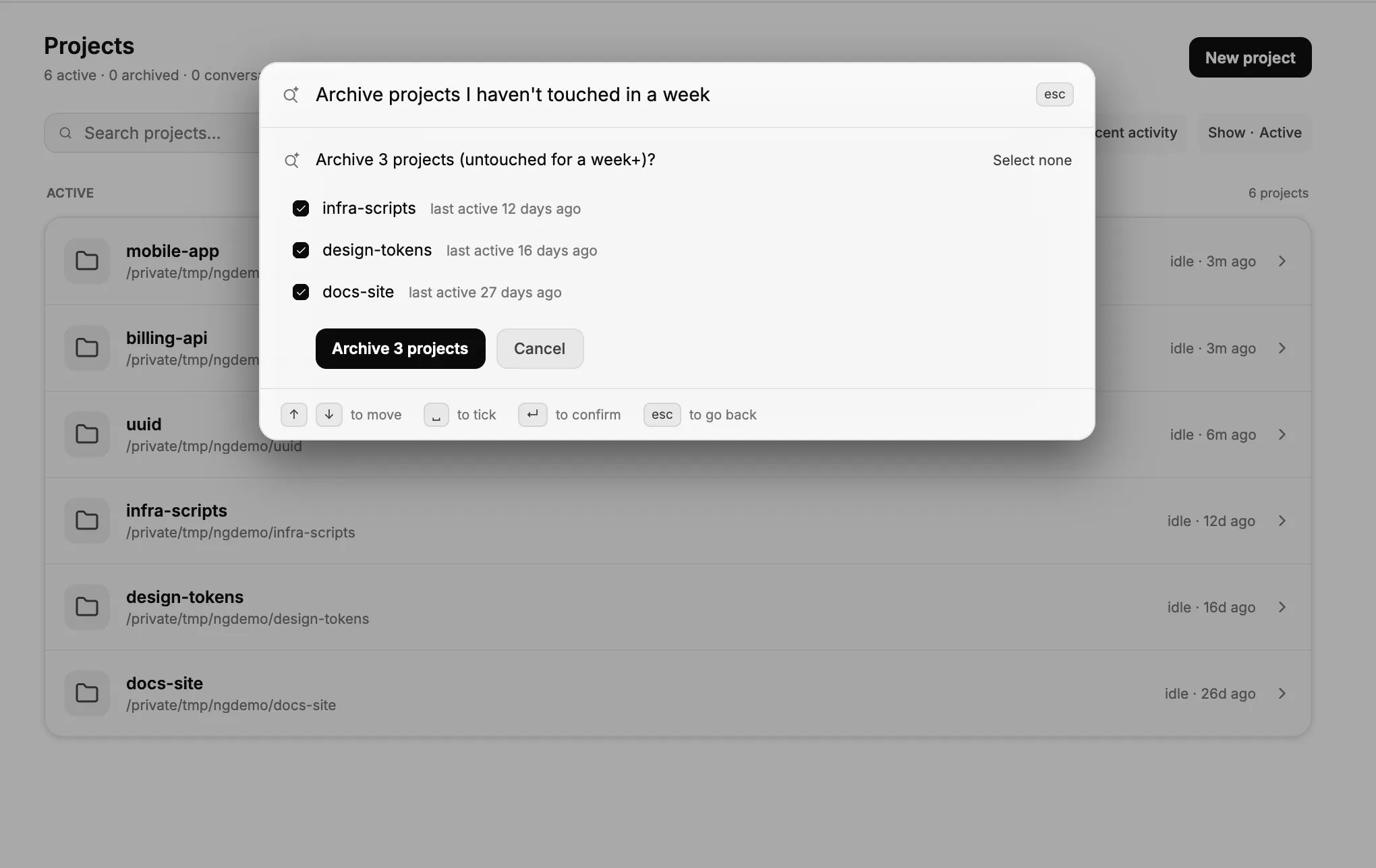
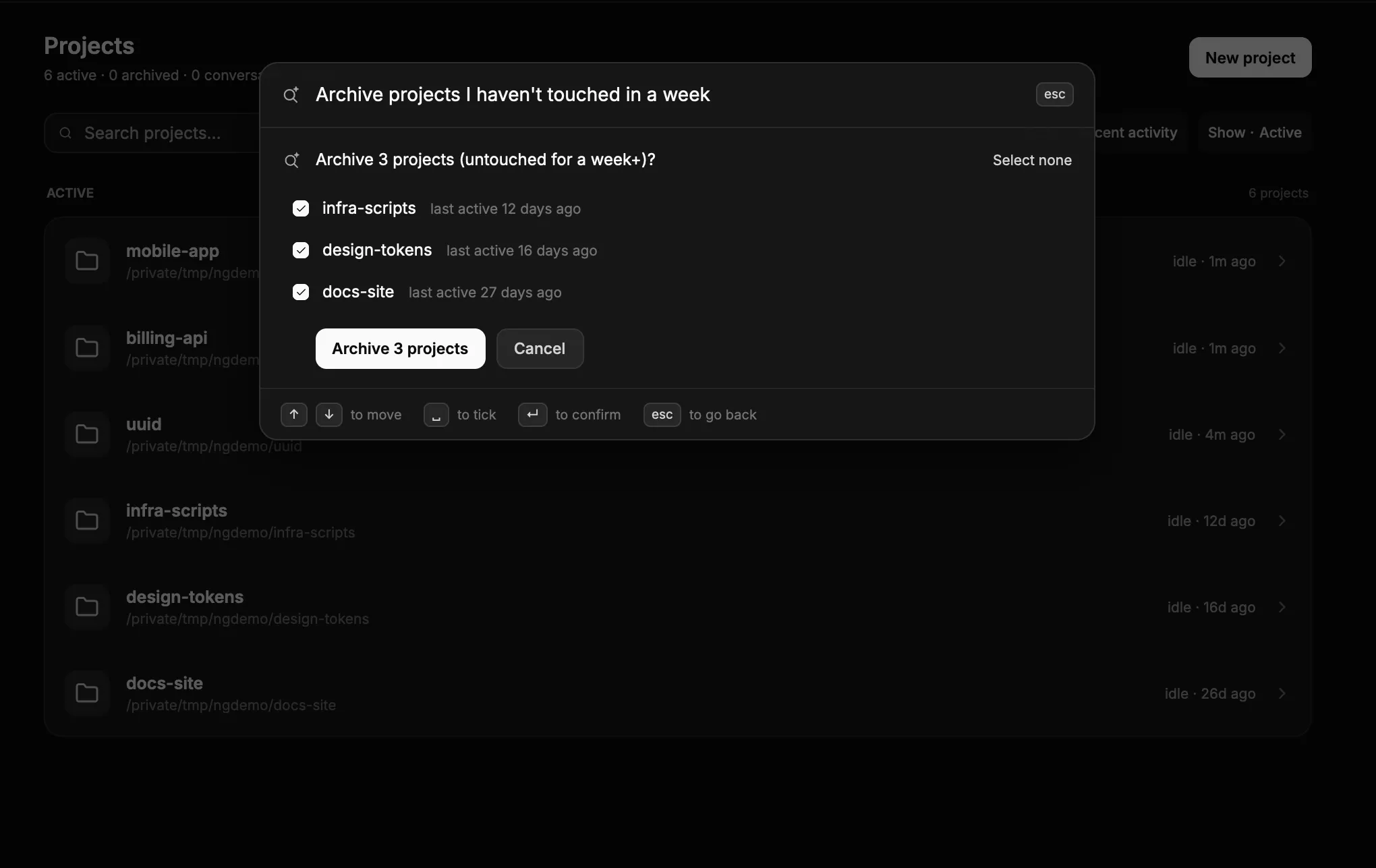
Nagano’s search asked “Archive projects I haven’t touched in a week”: it lists three projects last active 12, 16 and 27 days ago, all ticked, with Archive 3 projects and Cancel buttons.Nagano’s search asked “Archive projects I haven’t touched in a week”: it lists three projects last active 12, 16 and 27 days ago, all ticked, with Archive 3 projects and Cancel buttons.

Driven by your other agents.

Nagano exposes a CLI and an MCP server: another agent can start tasks, follow their progress and collect the result.

Bring your agents
together.

macOS 15 or later · Apple silicon