Turn events
into actions.
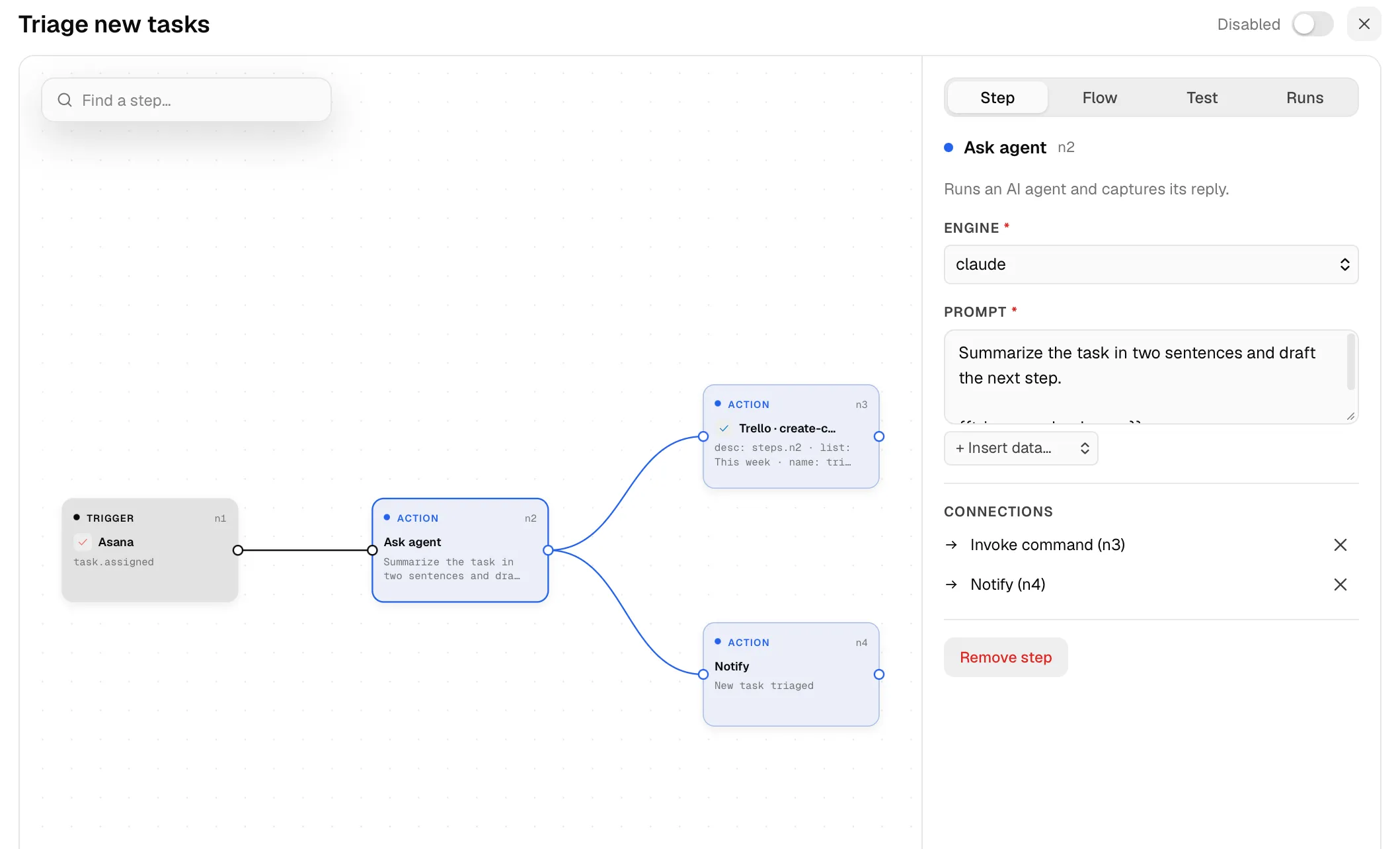
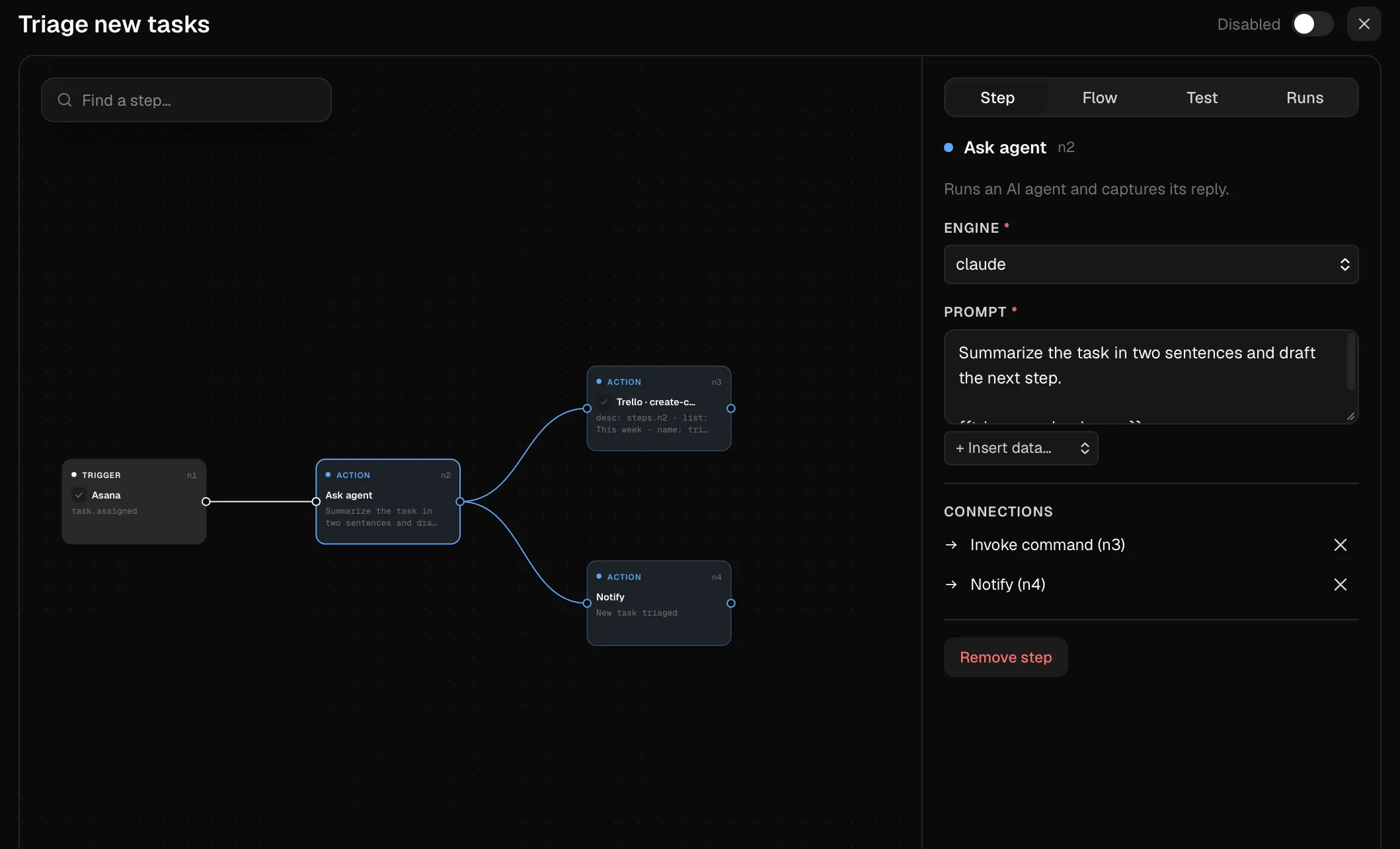
Connect an event to an agent step, then pass the result to the next action. Build a flow, test it against a sample event and follow each run as it happens.
Switchboard
A local daemon and a CLI. An agent runs switchboard <plugin> <command> like any other tool. Plugins are sandboxed JavaScript with a manifest that declares their capabilities and network access; what your apps emit lands in an event log, and flows turn those events into commands, notifications or an agent step.
macOS 26 or later
Agent steps and plugin generation use Claude Code, Codex, Kimi Code or Grok, through the CLIs you already have. Any other agent can call the CLI.
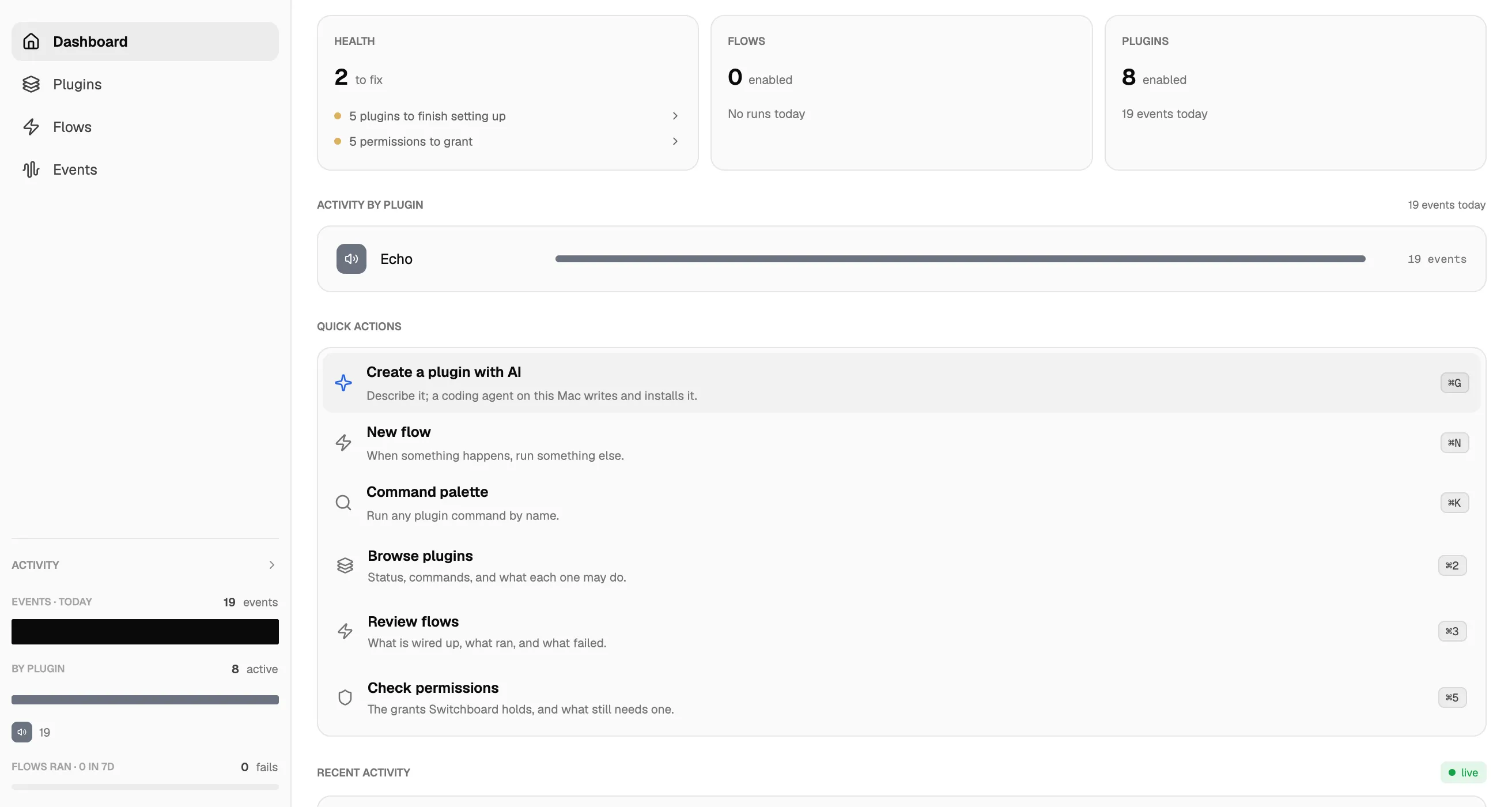
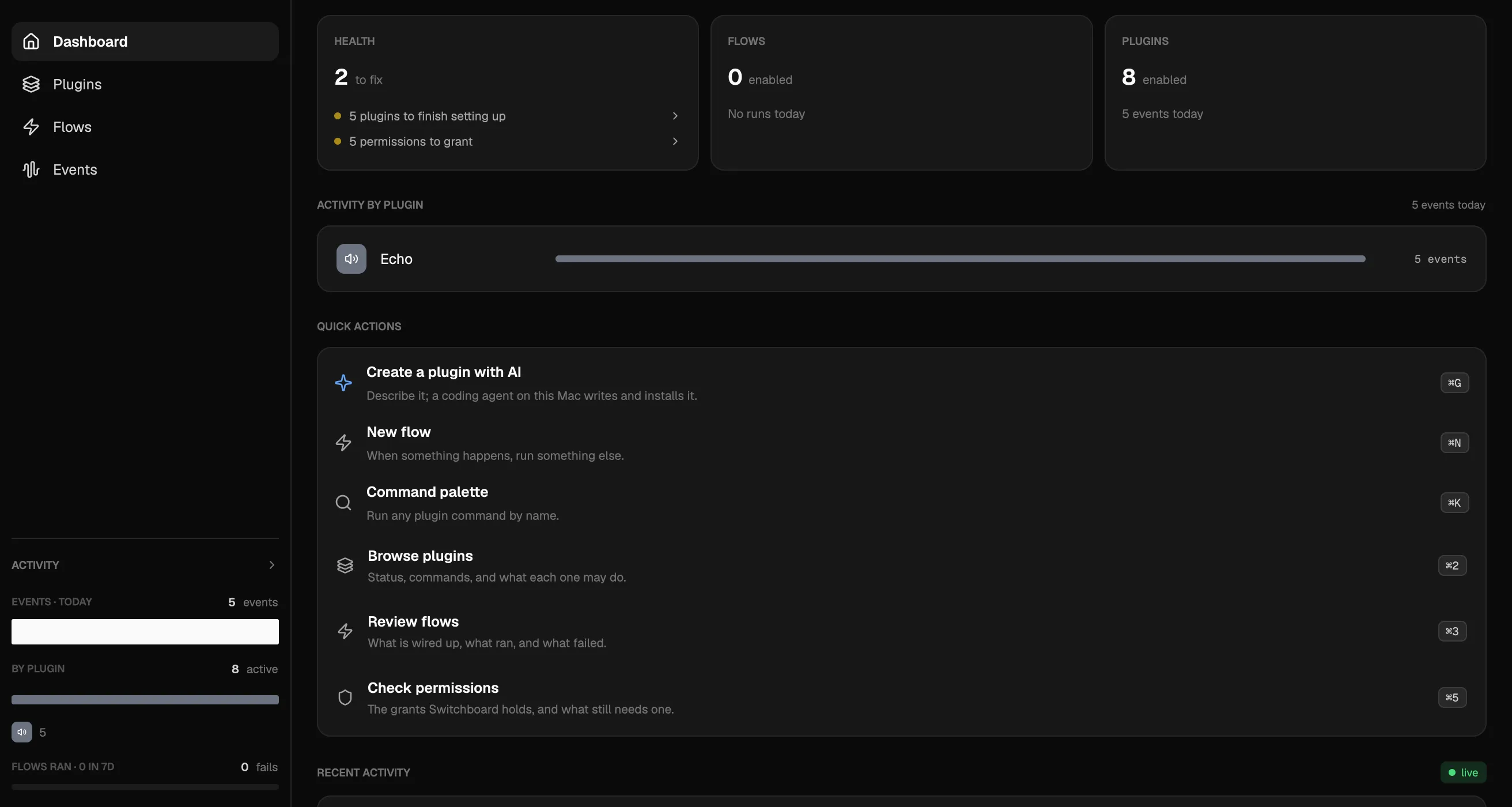
A signed registry of plugins for Mail, Messages, Calendar, Keynote, Safari, Slack, Figma, Asana, Trello and Hetzner Cloud. Each install shows the plugin’s capabilities and network allowlist before it goes in.
A flow starts from an event or a schedule, filters it, and ends in a command, a shell step, a notification or an agent step whose reply feeds the next action.
A dashboard, a live event tail and an audit log of every invoke, flow run and secret read. Secrets live in the macOS keychain.
Connect an event to an agent step, then pass the result to the next action. Build a flow, test it against a sample event and follow each run as it happens.
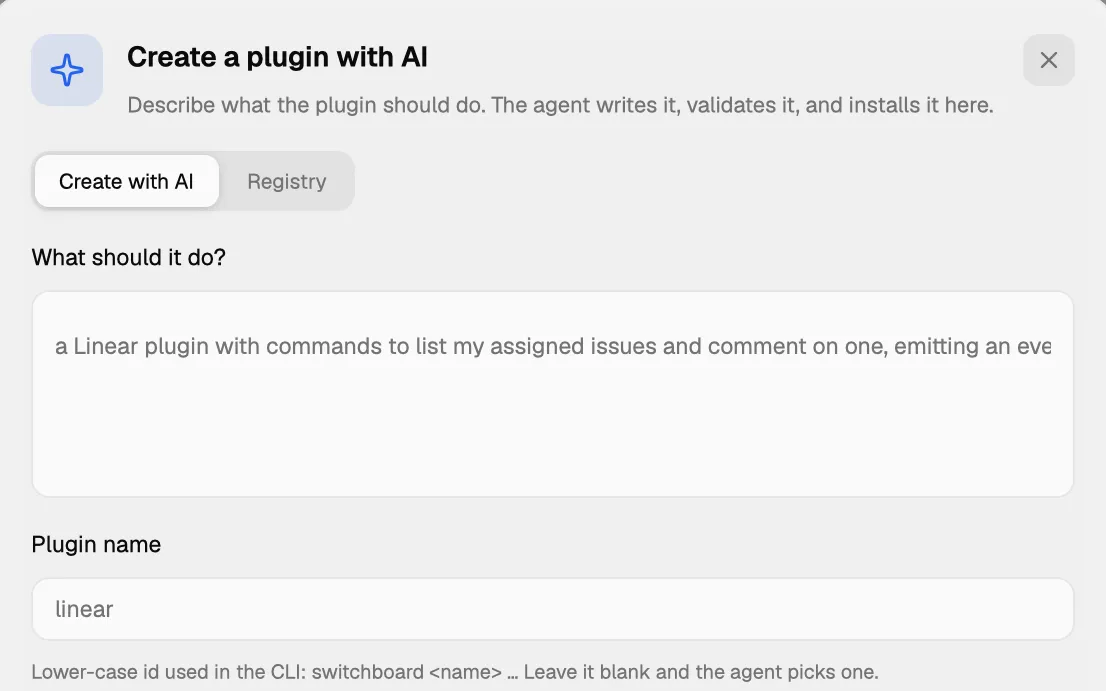
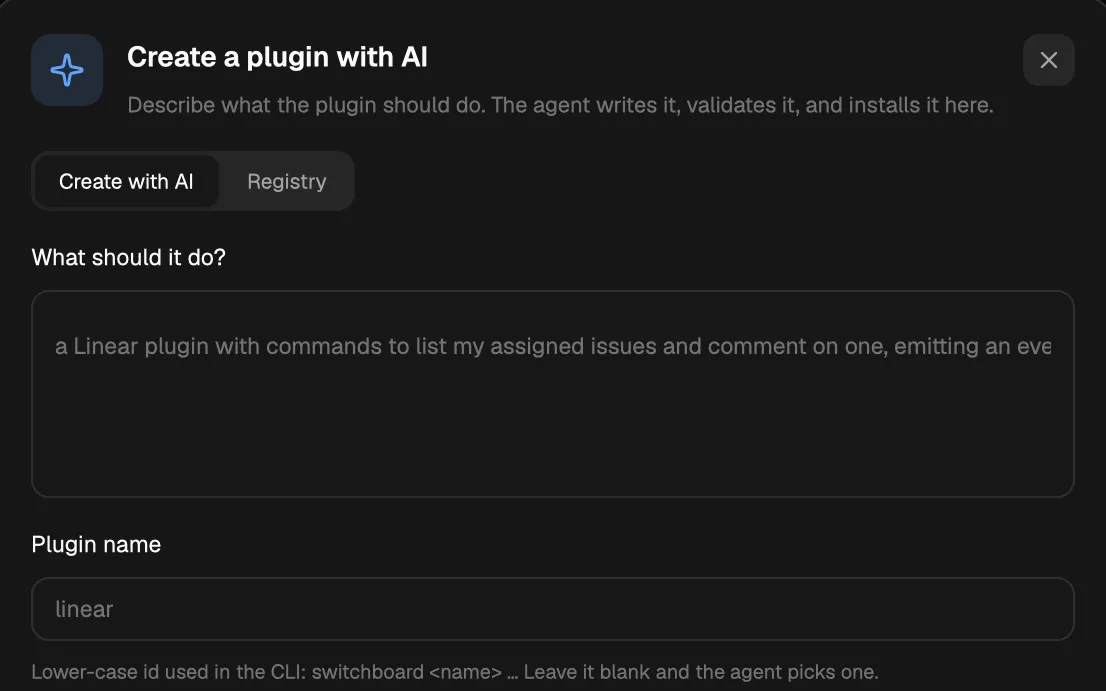
Describe the tool you need and choose an installed agent. The daemon runs it in a scratch directory, validates the result with the manifest loader and installs the plugin. Edit with AI rewrites one in place.