Building Switchboard
How Switchboard decides what a plugin may do
A manifest, a trust preview, a per-command switch and an audit log: the four gates between an agent and the apps on your Mac.
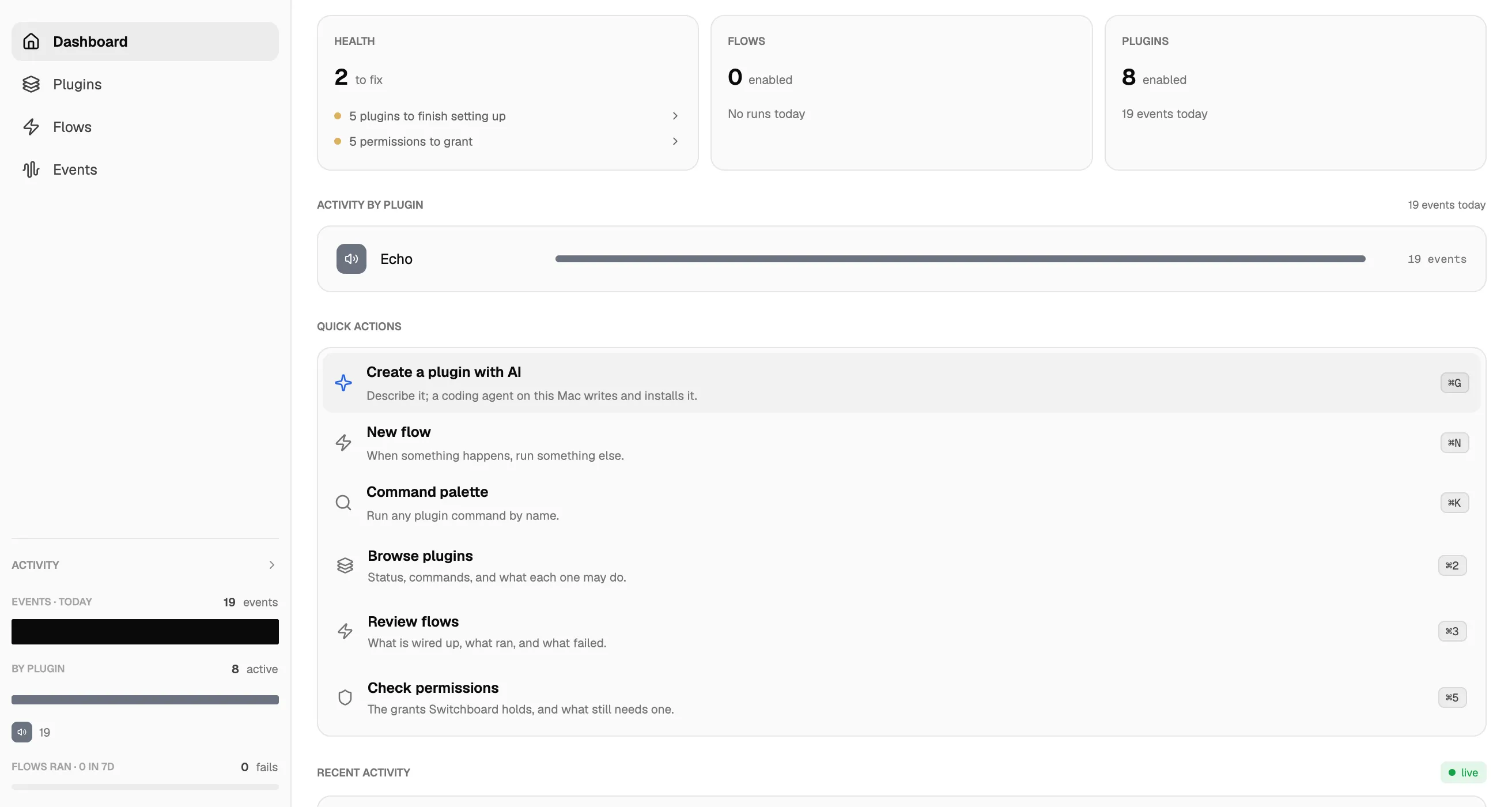
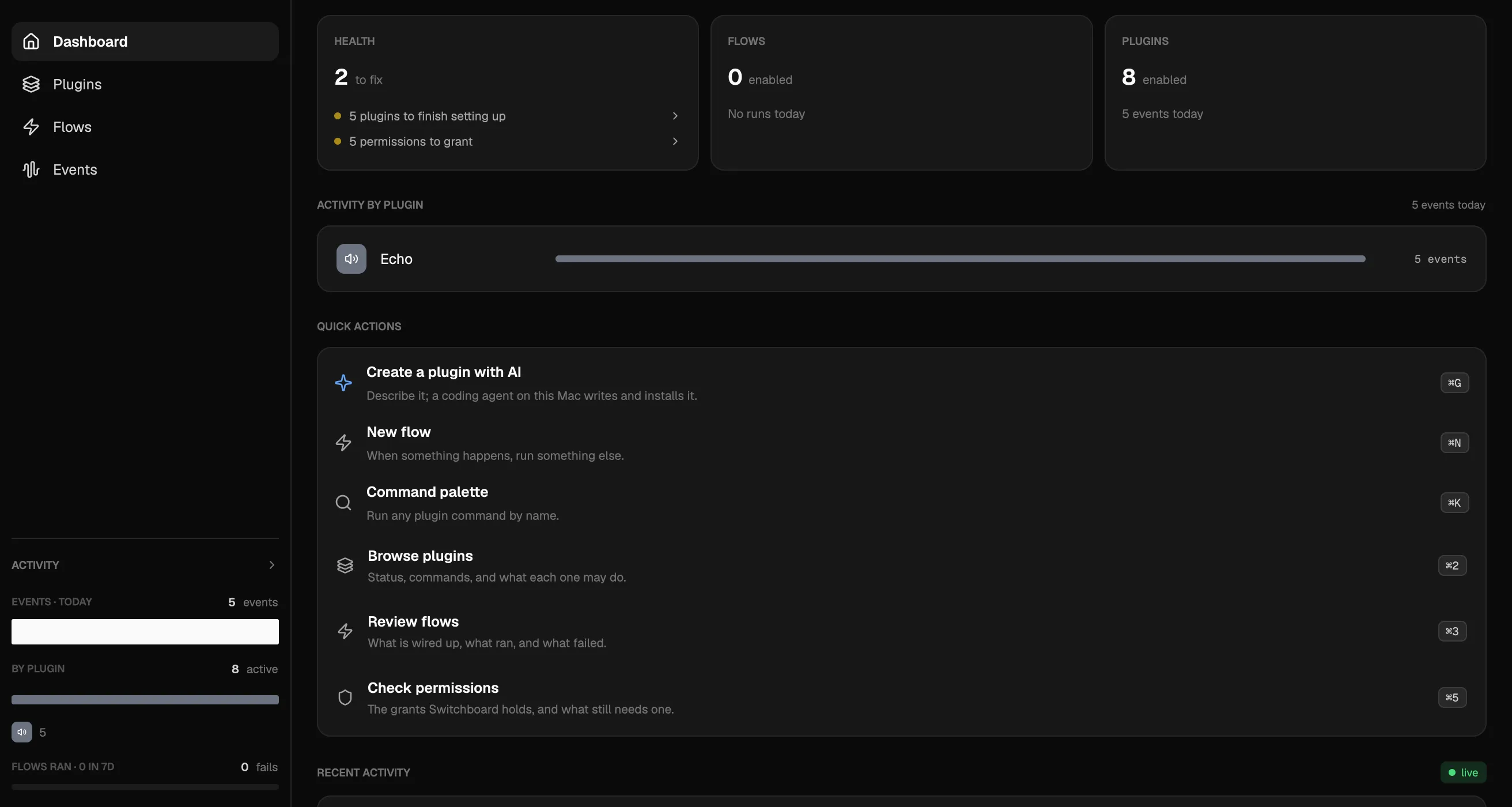
Switchboard is a local daemon and a CLI. An agent runs switchboard <plugin> <command> like any other command-line tool and learns what exists from --help. The plugins are sandboxed JavaScript, one isolate per plugin, running inside the daemon on your Mac. So the question that matters is what a plugin is allowed to do, and the answer is decided in four places.
1. The manifest
Every plugin ships a manifest.json beside its bundled dist/plugin.js. It names the plugin, the platforms it runs on, the capabilities its code calls, and the network hostnames it may fetch. The reference plugin, echo, declares emit, storage and timers, and an empty network list.
The daemon enforces the manifest at the host API boundary. A plugin that calls host.fetch without the fetch capability fails at runtime. An empty network list means fetch is denied everywhere, even with the capability declared. A hostname entry covers that host and its subdomains, the allowlist is re-checked on every redirect hop, and requests to loopback, link-local and private addresses are refused unless that literal address is declared, which puts it in the trust preview.
Capabilities that reach the operating system or another app (imessage, mail, slack, calendar, macos, applescript, screencapture, mcp, bridge, among others) exist only in the Go core. A plugin cannot embed its own protocol client for them; it declares the capability and goes through the host.
2. The trust preview
switchboard install <name> takes a plugin from the curated registry. The registry index is ed25519-signed and an unsigned or tampered index is refused. The bundle's SHA-256 is verified against the index entry. Then the install shows a trust preview, the declared capabilities and network access, and waits for confirmation. A local path goes through the same gate. A plugin that does not support your OS is rejected up front with the platforms it does support.
The registry held 22 plugins as of 2026-08-20, among them Mail, Messages, Calendar, Keynote, Safari, Slack, Discord, WhatsApp, Figma, Asana, Trello and Hetzner Cloud. Plugins that use a host capability or an MCP server install disabled, so nothing runs until you turn it on.
3. Per-command policy
Each command in a plugin's definition carries a write flag: whether it mutates external state or takes an outward action. For tools proxied from an app's MCP server, a readOnlyHint annotation clears the flag; everything else counts as a write, which is the safe default.
Policy is set per plugin instance and stored in policy.json in the daemon's state directory. You can switch one command off, in the app, the web UI or with switchboard policy disable <plugin> <command>; the daemon then refuses that invoke rather than hiding it. switchboard policy readonly <plugin> blocks every write command at once. switchboard policy cap-disable <plugin> <capability> switches off a whole capability for that instance (network access, stored credentials, or a host integration such as Slack or Mac control) and every host.<cap> call the plugin attempts throws.
4. Secrets and the audit log
A plugin's credentials are stored per plugin with switchboard secrets set <plugin> <key>; the value is read from stdin. On macOS the value goes into your login keychain through the security CLI, and only the key names are indexed on disk. A plugin reads its own secrets with host.secrets.get, scoped to its namespace, and every read is audited. On other platforms, or with SWITCHBOARD_SECRETS_BACKEND=file, values fall back to a chmod 0600 file that is not encrypted at rest, and the daemon says so at startup.
The audit log records every plugin invocation, every flow or rule execution including skips and why, and every secrets access: what ran, who triggered it, whether it succeeded and how long it took. Secret values never appear in it. switchboard audit prints it, newest first.
What this does not cover
- The daemon listens on a unix socket and on
127.0.0.1:7378. It reaches the network only if you runswitchboard server enable, which listens on0.0.0.0:7378behind a bearer token. - Permissions that macOS itself owns, such as Full Disk Access for the Messages and Mail stores, Automation, Accessibility, Calendars and Screen Recording, are the system's prompts. Switchboard asks for them as a plugin needs them.
- Grants between paired Macs are on the main branch but not in the published build.
- Agent steps in flows and plugin generation run through Claude Code, Codex, Kimi Code or Grok. Any agent that can run a shell command can call the CLI.
- The WhatsApp and Discord plugins drive unofficial sessions; the README states the account risk before you pair.
Switchboard requires macOS 26 or later.